Smart Statement Imports
Import CSV/Excel files, identify new mappings and reuse saved mappings. Imports can be rolled back.
Built for telecom sales operations
Track sales, configure advanced commission tiers, manage reserves and route escalations—with the visibility each role needs.
Request a DemoAdvanced commission tiers
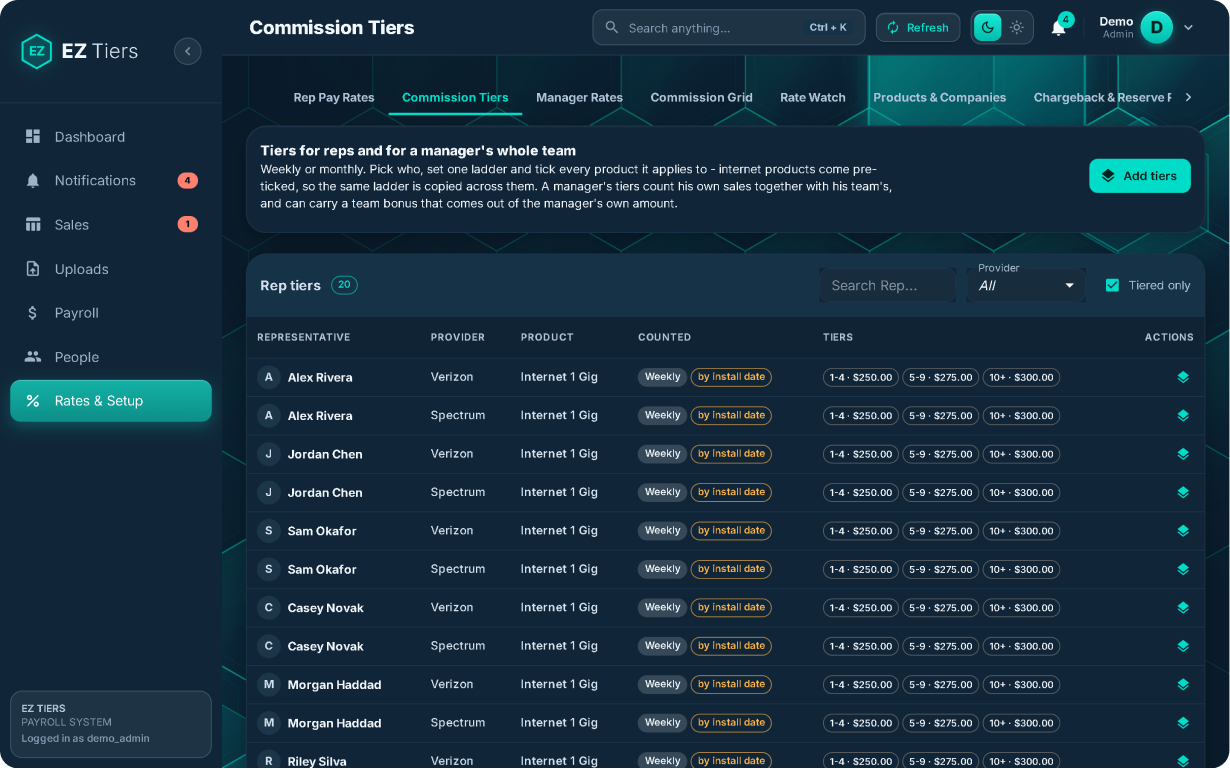
Configure performance-based compensation for representatives, managers and teams. EZ Tiers tracks the thresholds, rates and overrides behind each calculation.
Set commission rates based on individual performance and qualifying sales volume.
Configure manager compensation based on personal performance or team results.
Increase commission rates when a team reaches defined sales thresholds.
Configure rates for different providers and product types.
Build compensation plans with multiple thresholds and commission rules.
Eligibility follows the defined sale week and activation/payment rules—not simply the payout date.
Illustrative retroactive tier plan
Current position
Next-tier scenario
Illustrative retroactive tier plan: the $200 rate applies to all 10 qualifying sales once the threshold is reached. Other plans calculate differently.
Next-tier earnings visibility
Show representatives and managers how current earnings compare with the potential commission available at the next threshold.
Sales tracking & role-based access
Give representatives visibility into their own records, managers access to their assigned teams, and owners a company-wide view.
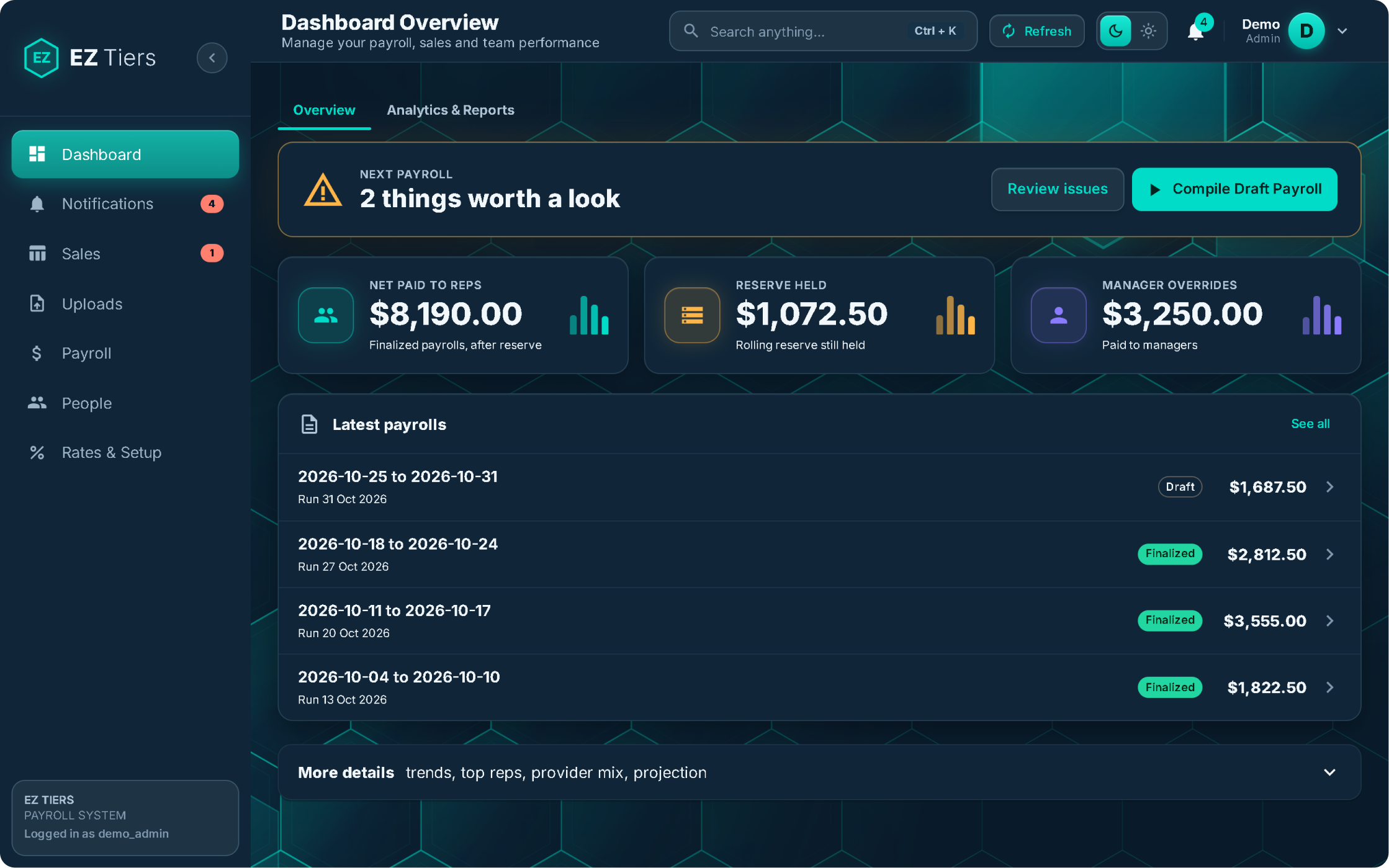
Company-wide reporting, obligations, payroll review, exceptions and reserves.
Statuses reflect the latest available provider data and may not update in real time.
Chargebacks, rolling reserves & former reps
Connect chargeback events to prior paid sales, track held balances and keep applicable release schedules organized.
Illustrative reserve ledger
Available for review at the applicable release date
Deductions and releases follow applicable agreements and rules. Payout preparation does not itself move funds.
Sales escalations & manager delegation
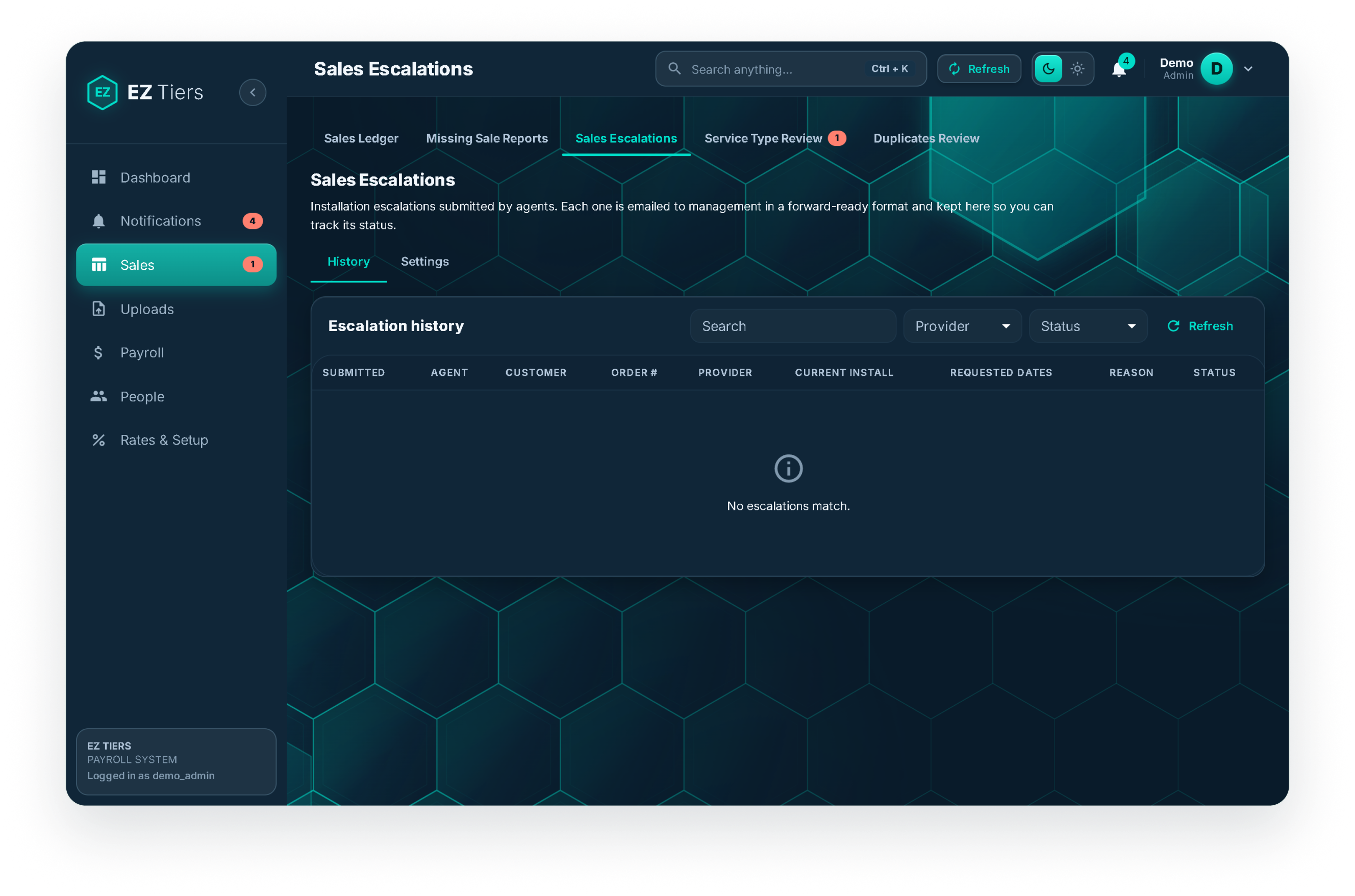
Submit sales escalations, notify management and coordinate provider follow-up within an organized process.
Include order/customer details, the current install date, up to three requested dates/time windows and the reason.
Notify the owner or designated manager.
Forward escalations or configure automated emails to the appropriate provider.
Keep escalation records organized in one place.
Statement import & payroll operations
Import CSV/Excel files, identify new mappings and reuse saved mappings. Imports can be rolled back.
Flag duplicates, compare records against official statements and send unclear items to review.
Select a date range, calculate a draft, review, finalize and mark the run paid.
Email individual PDFs and download full payroll runs as Excel or CSV.
Track operational alerts and identify failed statement emails.
Record changes and preserve locked finalized payroll records.
Available on desktop and mobile, with light and dark product themes.
Upload → Verify → Run Payroll → DeliverSee the Full Payroll WorkflowSee it in action
Explore EZ Tiers with your telecom sales structure, provider statements and team responsibilities in mind.
Request a Demo